
tasksel
This is an old revision of the document!
Tasksel
Installing Windows Manager
Debian 12.9.0 comes preinstalled with GNOME desktop environment. The following steps will show you how to install another desktop environment.
- In terminal, type
sudo tasksel.

Notice that the terminal will look like this.
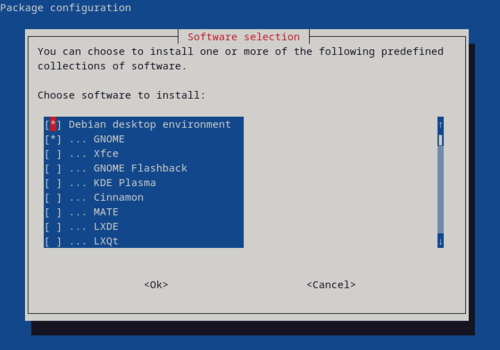
- We want to install the Xfce desktop environment. Navigate the menu using up and down key. Press space to mark Xfce for installation. Make sure there is the (*) symbol.

- Press Tab until Ok button is highlighted.
 Press Enter.
 - Wait for the installation to finish.
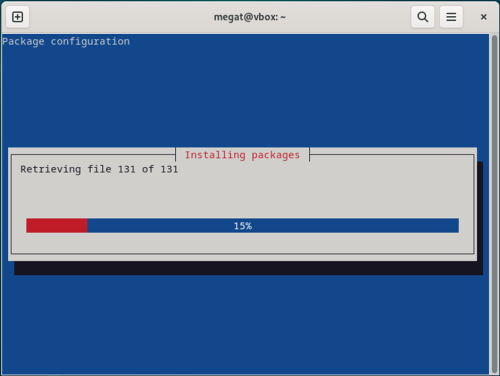
- Once its installed, let's switch to the Xfce desktop environment. Click the top right button.

- Click the power button.

- Click Log Out…

- Now, click your user.

- Click the Gear icon on the bottom right corner.

- Click Xfce Session.

- Login as usual.
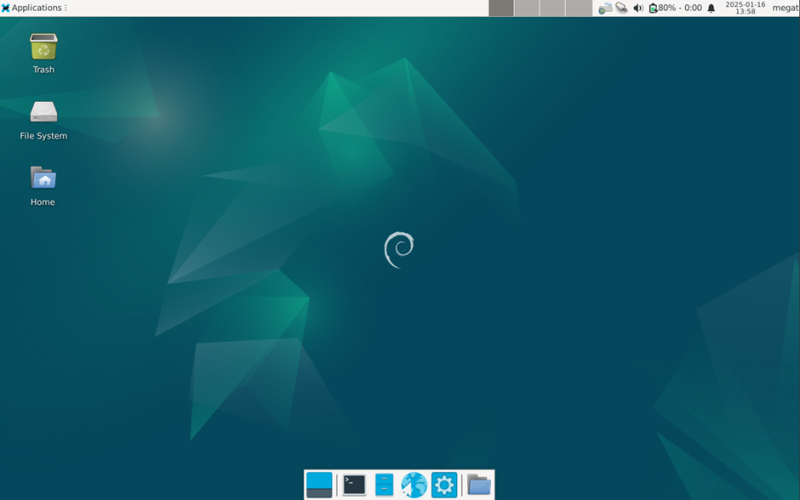
- You have successfully changed your desktop environment!


tasksel.1737173916.txt.gz · Last modified: 2025/01/18 04:18 by 1211112228