
installation
This is an old revision of the document!
Installation
- Open VirtualBox.

- Click on New.

- Go under the Name and Operating System tab.
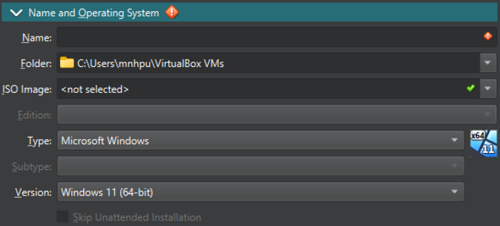
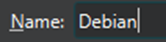
- Type in the name of the OS which is Debian.
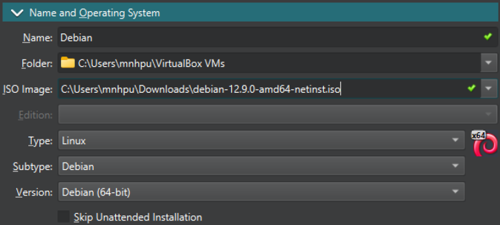
- At ISO Image, click the drop down menu and click Other.

- Choose the downloaded Debian .iso file.

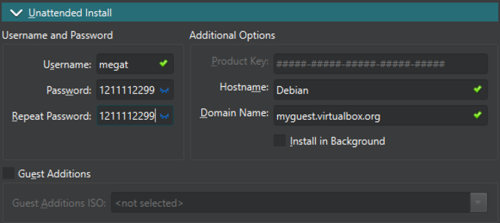
- Go under the Unattended Install tab.
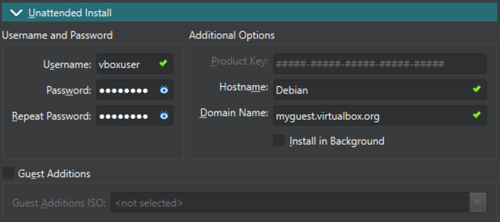
- Change the username and password to your liking.
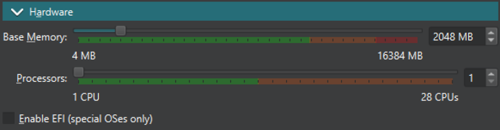
- Go under the Hardware tab. You can change the Base Memory and Processors according to your liking. We will keep it as is.
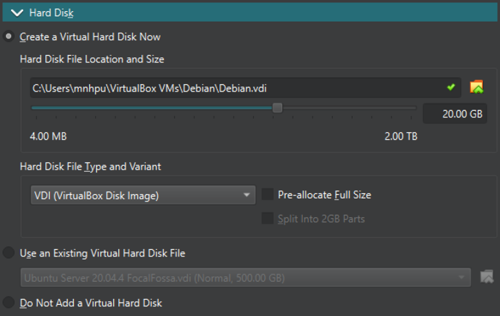
- Go under the Hard Disk tab. You can change the hard disk space and other settings. We will keep it as is.
- Click Finish.

- Wait for the installation to finish.
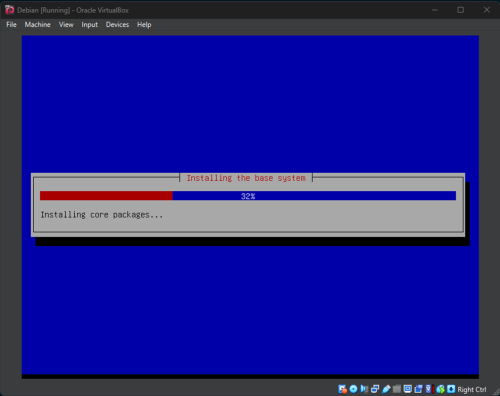
- After installation, it should look like this.
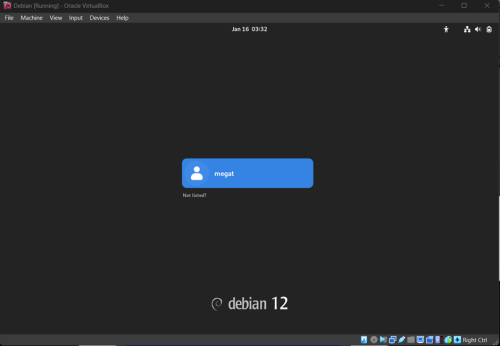
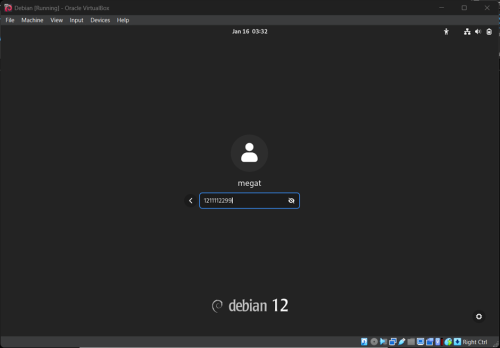
- Click the username and sign in using the password you set before.
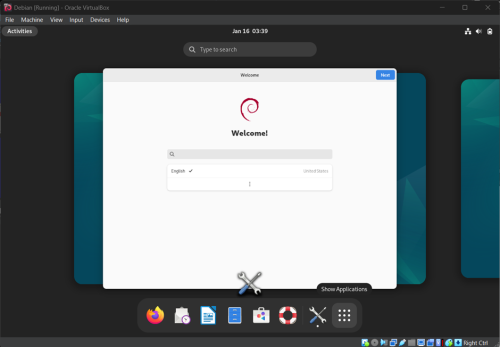
- Debian OS is now installed successfully!


installation.1737007321.txt.gz · Last modified: 2025/01/16 06:02 by 1211112299